Client statement summary report
New feature August 7, 2026
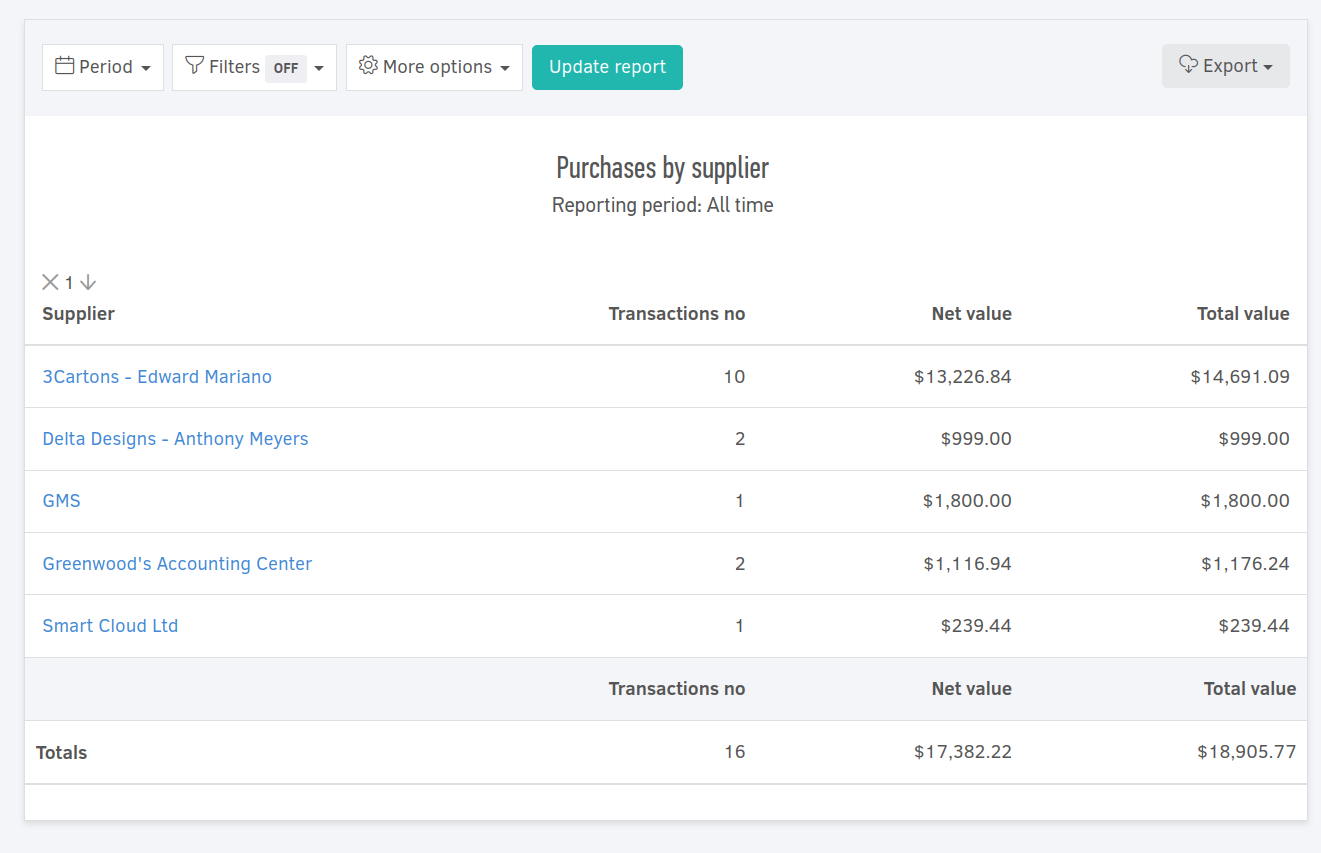
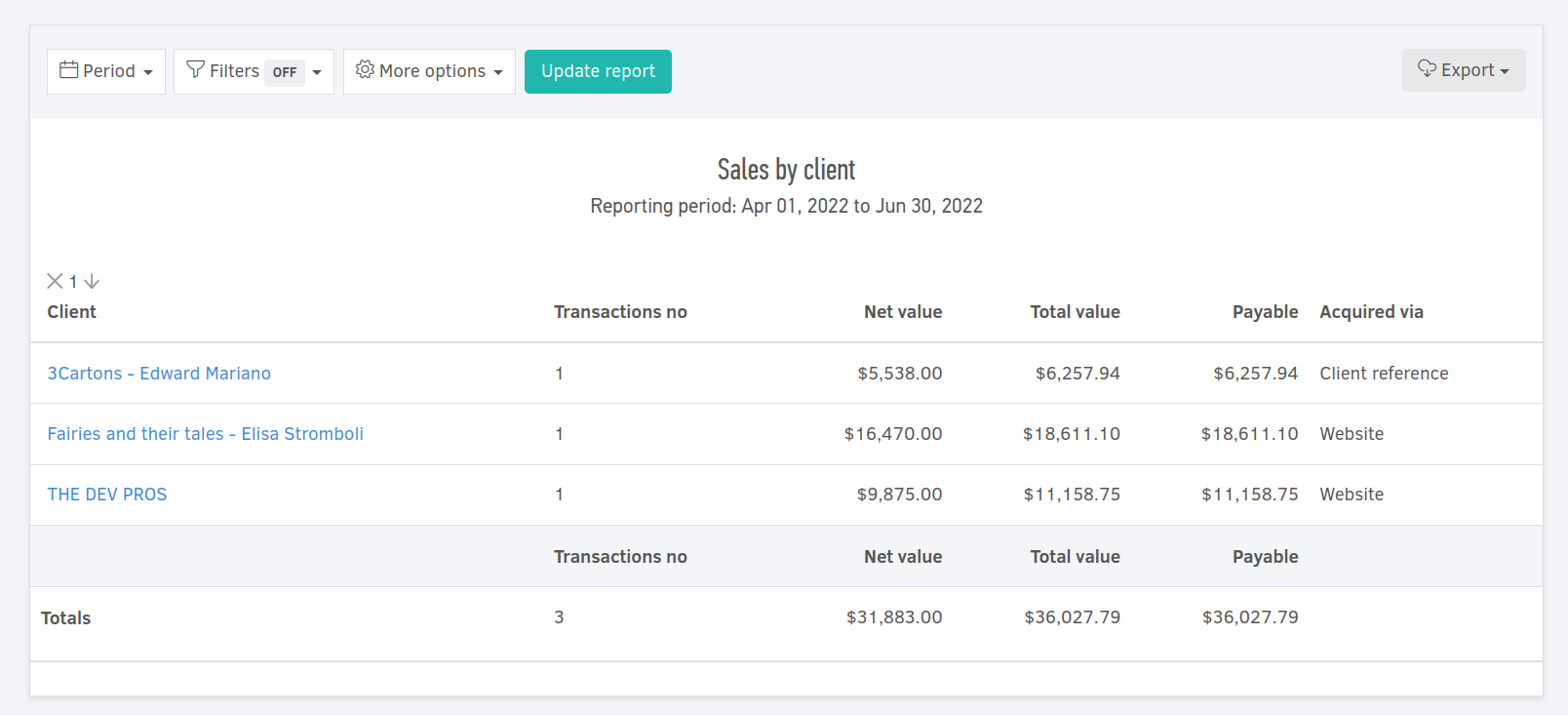
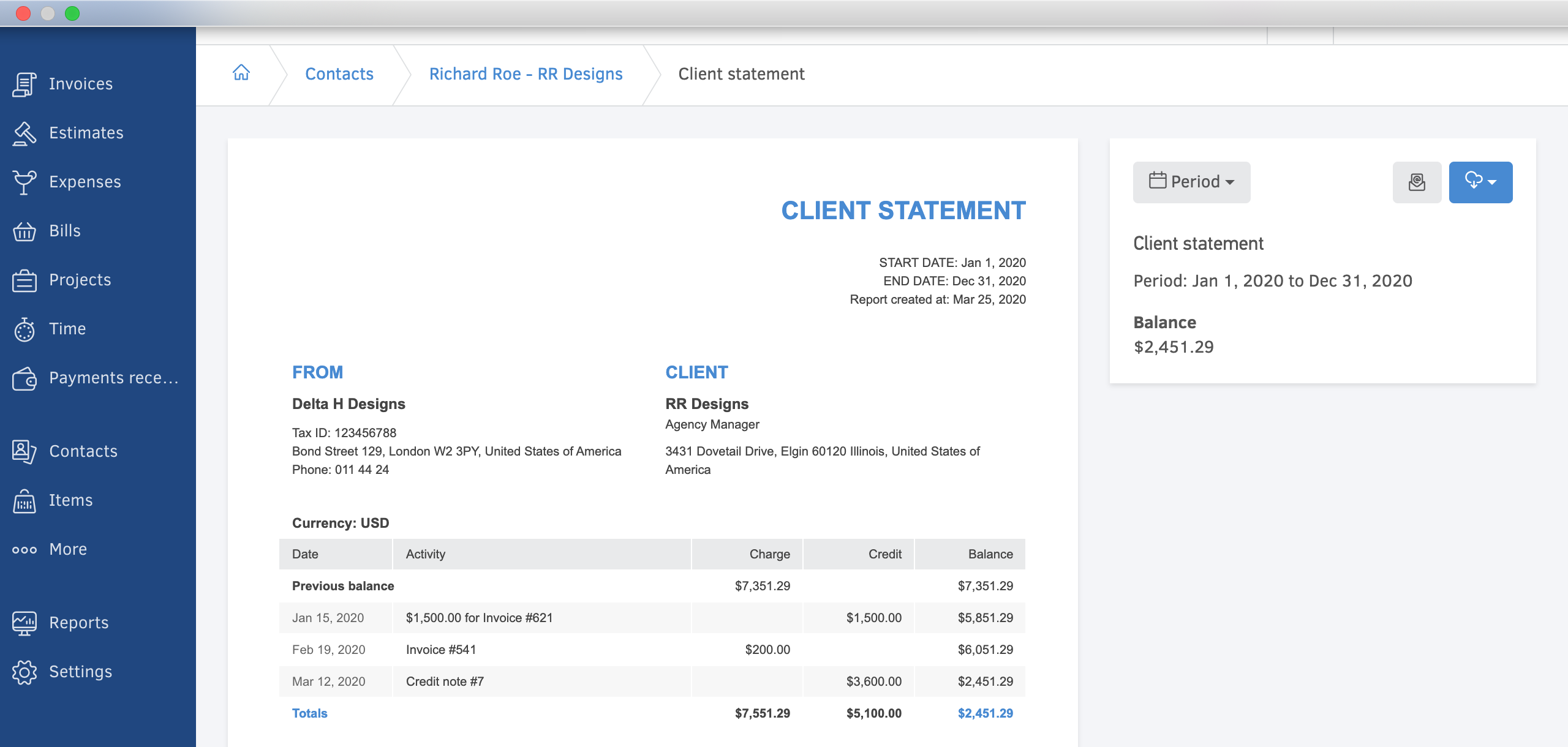
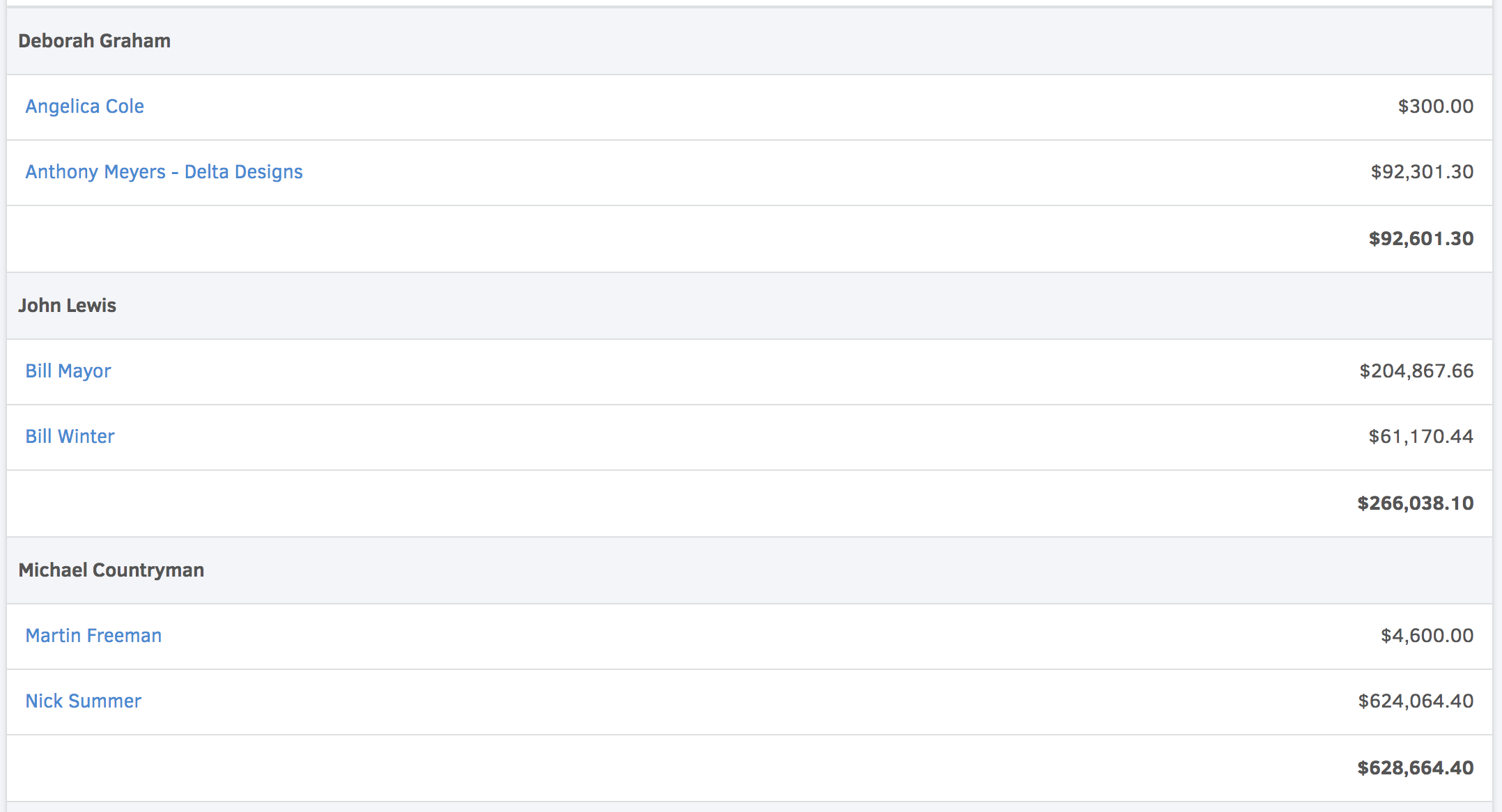
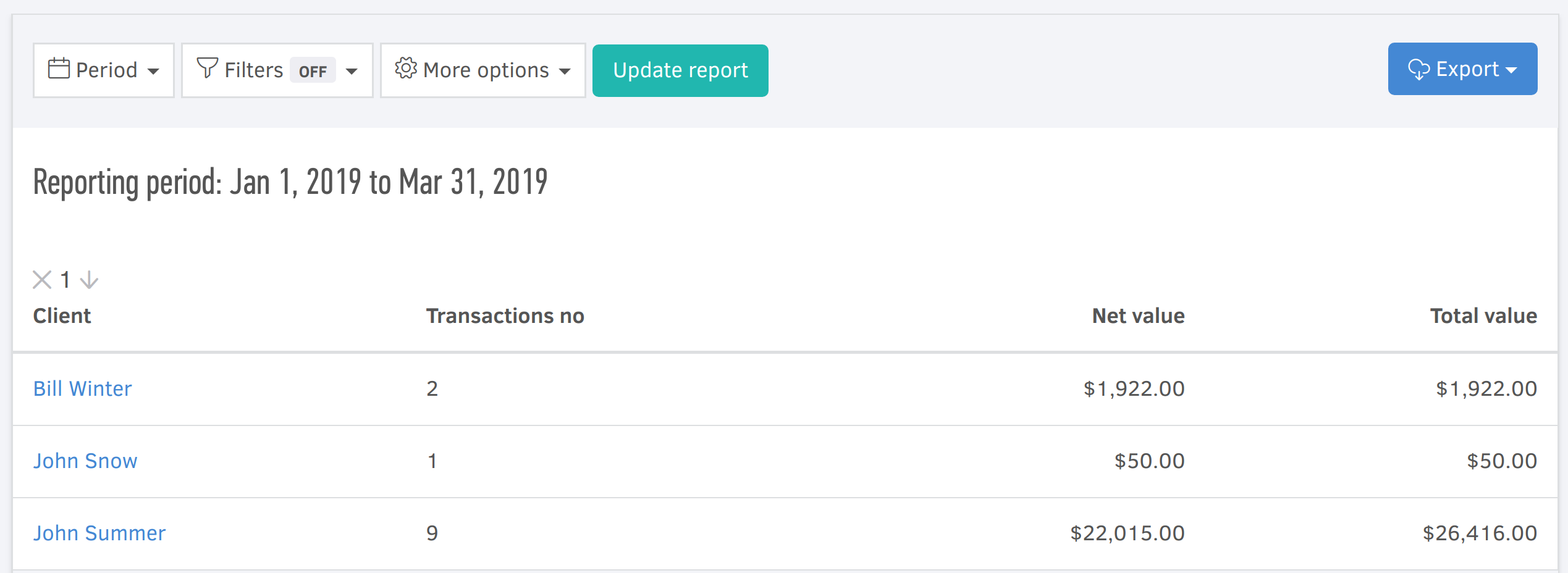
We’ve added a new report to Elorus: the Client statement summary. Unlike an individual client’s statement of account, this report gives you a single, consolidated view of where every client’s balance stands over a given period.
What it shows
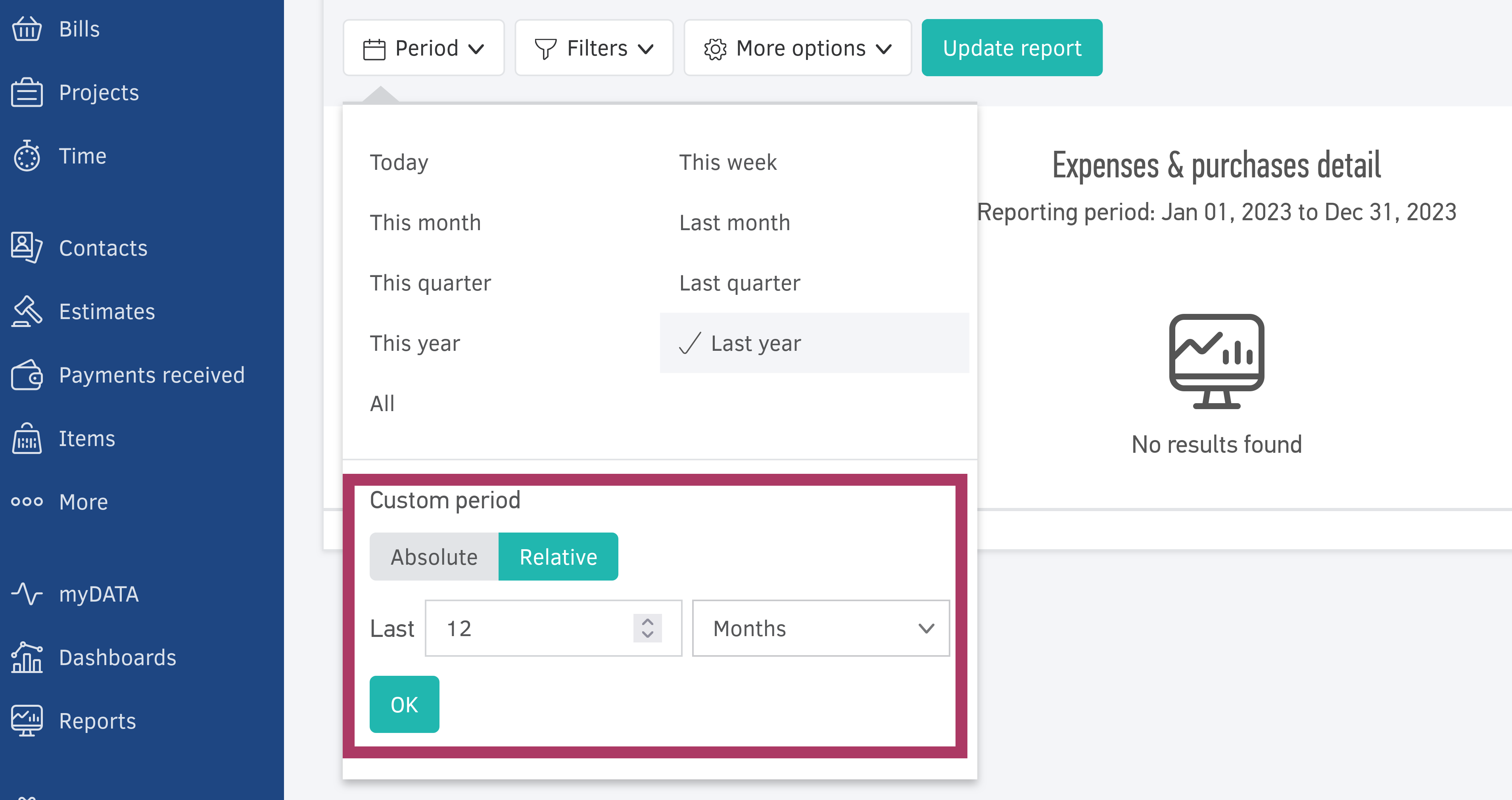
For any reporting period you select, the report breaks each client’s balance down into:
- Opening balance: the charge and credit totals carried over from transactions before the selected period.
- Period activity: the charges and credits generated by transactions within the selected period.
- Progressive balance: the running charge and credit totals, calculated as the opening balance plus period activity.
- Final balance: the resulting balance for each client once the period’s activity is applied.
With all clients listed side by side, you can spot outstanding balances, track how they moved over time, and reconcile client accounts without opening each statement individually.